Videos
Every video in one place, synced from your platforms, with a smart link per video so fans can watch wherever they like.
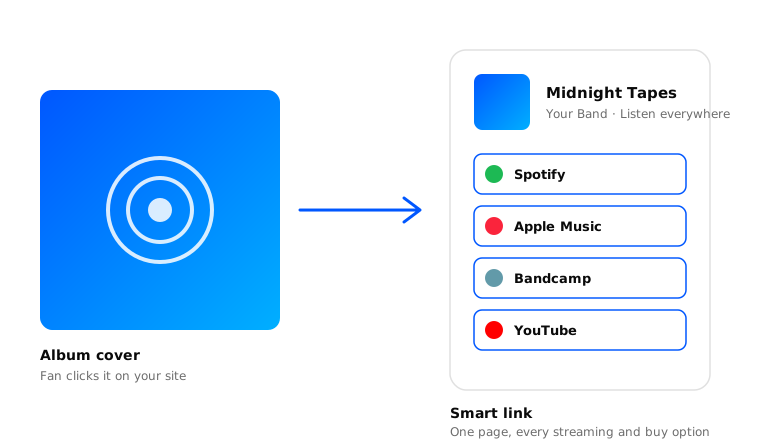
Every video you’ve posted, pulled in from YouTube and your other video platforms and kept in sync. Each video gets its own smart link so one URL routes fans to whichever player they use.
How syncing works
Finding videos on your platforms
Once you connect a video platform, we pull in every video you’ve posted there. After that, we sync nightly - new videos get added, deleted ones drop off.
Matching videos to your site
When a new video shows up, we try to match it to one already on your site by ISRC, length, and name. No match means a new video gets created.
Filling in the details
Different platforms know slightly different things about the same video. First platform with the info wins.
Reviewing your videos
Worth a glance whenever something syncs - platform metadata can be a little off.
- Image - Thumbnail or still. High resolution.
- Name - Video title, formatted the same way it appears on platforms.
- URL slug - The unique part of the video’s URL, e.g.
/videos/your-video. - Type - Music Video, Performance, etc.
- Duration - Total runtime.
- Release date - When it went up.
- ISRC - International Standard Recording Code. Critical for matching across services.
- Info - Description, credits, anything worth sharing.
- Platforms - The Platforms where fans can watch.
Reordering your videos
Default order is by release date. Manual works too:
- Visit Videos and select Edit in the top right.
- Drag the handle into place.
- Hit Save.
Sharing a video
A smart link that lets fans pick their player:
- Visit Videos and find the video.
- Select Share from the top right, then Copy.
- Paste it wherever.
A direct link on one specific platform:
- Visit Videos and find the video.
- Scroll to Platforms, find the platform, hit the three dots, select Share.
- Copy and share.
More in Share.
Posting a video
Push a video to the top of your homepage:
- Visit Videos and find the video.
- Select Post from the top right.
- Add a short message, swap the image if you want, hit Save.
More in Posts.
Editing a video
Edit the video’s details:
- Visit Videos and find the video.
- Select Edit from the top right.
- Make changes and hit Save.
Edit the video’s platforms:
- Visit Videos and find the video.
- Scroll to the Platforms section, find the platform, hit the three dots, select Edit.
- Reassign or add a new one, hit Save.
Hiding a video
- Visit Videos and find the video.
- Select Hide from the top right.
Unhiding a video
- Visit Videos and hit Filter in the top right.
- Select Hidden from the Status dropdown.
- Select the video and hit Unhide.