Gumroad
Pull your Gumroad digital products onto your site - new items flow in automatically as you publish them.
Gumroad
Pull your Gumroad digital products onto your merch page. New items flow in automatically as you publish them.
Synced from Gumroad
- Merch
Connecting Gumroad
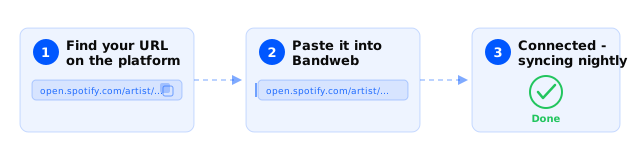
- Visit Platforms and select New in the top right.
- Select Merch and then Gumroad.
- You’ll be taken to Gumroad to log in and Authorize Bandweb.
Good to know
- Connecting Gumroad requires logging in, so you can only link accounts you actually have access to.
- We sync every published product in your account, whether or not it’s featured on your Gumroad homepage. Don’t want a product showing up? Unpublish it on Gumroad.
- Gumroad doesn’t send us product release dates, so everything gets dated at import time. Edit the release date afterward if it matters.