Footer
Point fans at the platforms and URLs that matter. A few good links beat a wall of them.
Footer
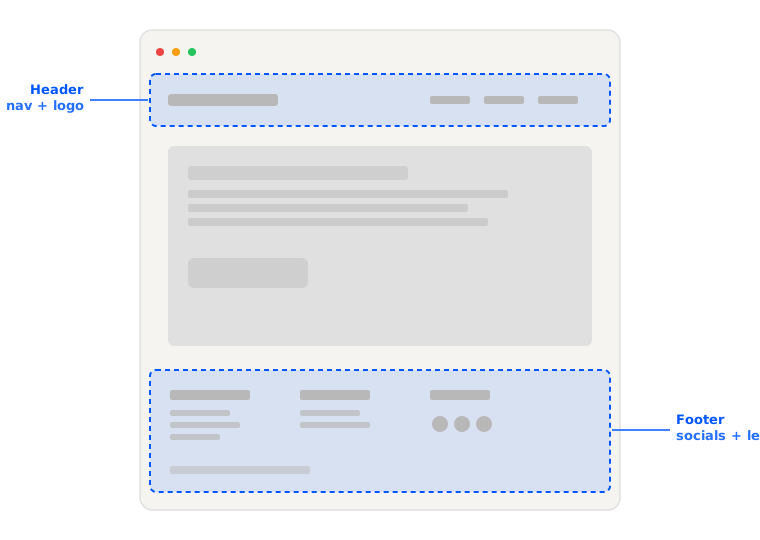
The footer is for the links you want fans to have when they’ve scrolled to the bottom - typically your top platform profiles and anything else worth a direct line.
You can stack it tall if you want, but a few focused links beat a wall of them. Skip things that are already featured elsewhere on the site.
Adding platform links to your footer
- Visit Design and hit Edit in the top right.
- Scroll to the Footer section and select the plus button.
- Select the platform you’d like to add and Publish your design.
Adding custom links to your footer
- Visit Design and select Edit.
- In the Footer section, select the plus button.
- Select Custom, give it a Name, Icon, and URL, and hit Save.
- Publish your design.
Hiding footer links
- Visit Design and select Edit.
- In the Footer section, select the three dots next to the link and Hide.
- Publish your design.
Reordering footer links
- Visit Design and select Edit.
- In the Footer section, drag the handle of any link into the desired order.
- Publish your design.