Songkick
Shows you announce on Songkick auto-flow onto your tour page.
Songkick
Shows you announce on Songkick flow straight onto your tour page. Announce once, syncs everywhere.
Synced from Songkick
- Tour
Finding your Songkick URL
- Search for your artist profile on Songkick.
- Select your profile.
- Copy the URL from your browser’s address bar. Trim anything after your username.
Connecting Songkick
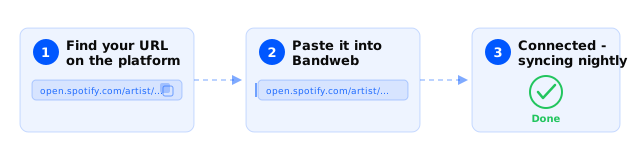
- Visit Platforms and select New in the top right.
- Select Tour and then Songkick.
- Enter your Songkick profile URL and hit Save.
Good to know
- A free Tourbox account is all you need to add events.