SoundCloud
Connect SoundCloud and your albums auto-import into your site the day they drop.
SoundCloud
Connect SoundCloud and your albums land on your site the day they drop.
Synced from SoundCloud
- Music
- Followers
Finding your SoundCloud URL
- Search for your artist profile on SoundCloud.
- Select your profile.
- Copy the URL from your browser’s address bar. Trim anything after your username.
Connecting SoundCloud
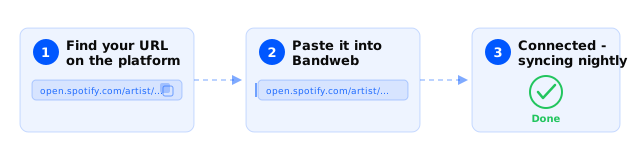
- Visit Platforms and select New in the top right.
- Select Music and then SoundCloud.
- Enter your SoundCloud profile URL and hit Save.
Good to know
- We don’t import single tracks or generic playlists. Only proper SoundCloud albums.
- If an album isn’t importing, check it has a release date and its own artwork.
- Match your album and song names to what they are on Spotify and Apple Music. Same name, same match.