Posts
Post anything to the top of your homepage - an album, a show, a new shirt, a newsletter, a link. Your site doubles as a proper link-in-bio.
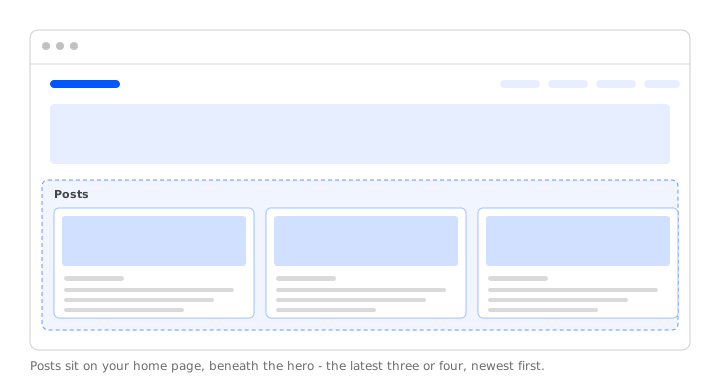
Posts are what turn your homepage into a working link-in-bio. Pin an album, a show, a merch drop, a newsletter campaign, or a custom link - whatever you want fans to see first when they hit your site.
Types of posts
Music
Any album from your Music.
Merch
Any product from your Merch.
Videos
Any video from your Videos.
Tour
Any event from your Tour.
Platforms
Any profile from your Platforms.
Pages
Any page from your website.
Campaigns
Any email from your newsletter.
Custom
Any other URL or email address.
Adding a post
- Visit Posts and select New in the top right.
- Pick the type, then the specific item.
- Add a short message, swap the image if you want, hit Save.
Or post straight from your catalog - select the items and hit Post.
Editing a post
- Visit Posts and find the post.
- Select the three dots next to it and then Edit.
- Make your changes and hit Save.
Reordering posts
- Visit Posts and find the post.
- Drag the handle next to it up or down.
Deleting a post
- Visit Posts and find the post.
- Select the three dots next to it and then Delete.