Guide // Your website
Music website design: a phone-screen testing checklist
Music website design mobile checks work best on real phones. Test release links, tickets, press kits and readable layouts before sharing your site.
Dean Rud, Meter Records
Playing in bands since 1996. Running a record label since 1998.
Updated Nov 25, 2026
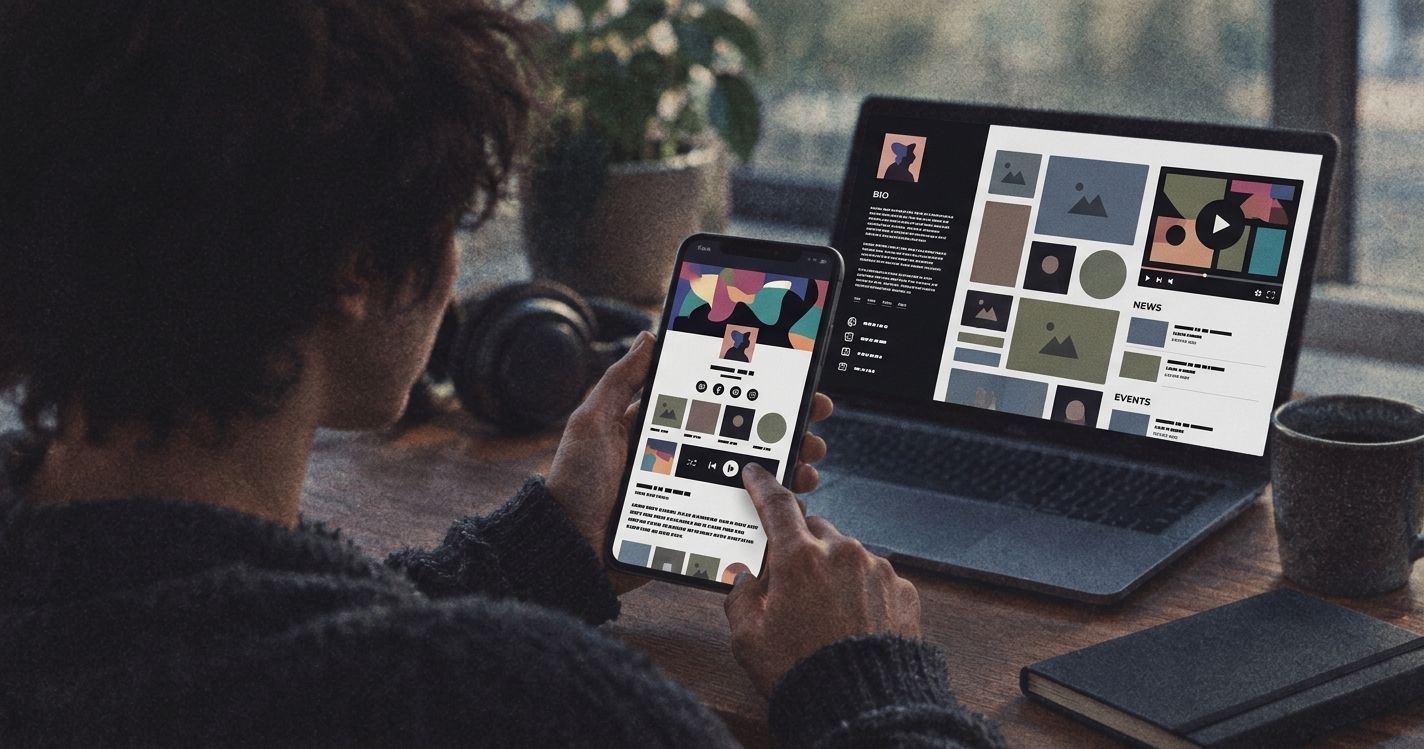
Good mobile music website design puts your current release, next show and press contact within easy reach, then proves those links work on a real phone. Use this 2026 checklist to test the complete journey: opening the page, reading it, playing music and reaching the right destination without fighting the screen.
TL;DR
- Music website design mobile checks should test real fan tasks, not just whether a page shrinks.
- Bandweb suits independent musicians who want synced releases and show dates with less manual website upkeep.
- Test playback, ticket links and press contacts on a real phone before sharing your site.
- Check narrow screens, enlarged text and keyboard access; a tidy preview does not prove usability.
Music website design: a phone-screen testing checklist
Run the same checks whenever you change your homepage, announce a release or add a show. A page passes when a visitor can finish the task, not when the layout looks tidy.
- Open the public page. Use the link fans receive, not your editor preview.
- Find the main action. Identify the release, show or contact route without opening every menu.
- Complete the journey. Play the track, follow the ticket link or open the press contact.
- Stress the layout. Narrow the screen and enlarge text.
- Check the destination. Confirm the release, event and contact details match the link label.
If you use Bandweb, apply these checks to the published site after connecting your music platforms. Auto-sync reduces manual updates; testing confirms what visitors actually encounter.
Why this matters
Your homepage is not the whole experience. A fan can reach the right page and still get stuck behind an overlapping player, an unreadable show listing or a link that opens the wrong release.
For your 2026 website review, separate presentation from completion. A screenshot tells you whether the design fits. Following a ticket link tells you whether someone can get from your announcement to the correct event.
That distinction keeps the work manageable. Fix broken actions before adjusting decorative spacing. Nobody needs a perfectly aligned button that leads to the wrong gig.
Choose the right way to test
Use an editor preview to spot obvious layout problems, then move to a browser and a real phone. These methods answer different questions; none replaces the others.
| Testing method | Best for | Advantage | Limitation |
|---|---|---|---|
| Editor preview | Early layout checks | Makes it easy to inspect changes while editing | Does not establish that the published journey works |
| Browser responsive view | Narrow-width and overflow checks | Lets you adjust viewport width deliberately | Does not reproduce every phone interaction |
| Real phone | Taps, playback and destination checks | Shows the experience on the device you are using | Results cover that device and browser, not every visitor |
Use previews to find layout problems. Use a real phone to approve the journey. Test the public URL after publishing, because an unfinished editor view is not the page you are asking fans to use.
Start outside your usual browser session
Open the shared link in a private browsing session where practical. Check the page without relying on an existing login, saved preferences or a tab you already had open.
Then open the link from the social app where you plan to share it. Check whether the page, music destination and return journey behave as expected inside that app's browser. Record the exact point of failure instead of writing a vague note such as mobile is broken.
Make the first screen answer the obvious questions
Your first screen should establish whose website this is and what the visitor should do next. For a release campaign, that means the artist name, the release and a clearly labelled listening action. For a show announcement, give the event a clear route from the landing page.
Do not give every destination equal visual weight. If your new single is the reason for the visit, make the listening route obvious before asking someone to explore your archive.
Check these details on the phone itself:
- Artist identity: Your name remains readable over the artwork.
- Current focus: The featured release or event matches the announcement that sent the visitor.
- Action label: The button describes the destination, such as listening or tickets.
- Obstructions: Menus, banners and players do not cover the action.
- Supporting context: A visitor can understand the page without playing a background video.
Keep useful artwork. Remove the uncertainty around it. A dramatic image should not make someone guess whether they have reached a band, a venue or a record label.
Test release links and music playback
Start from the release you are promoting, not whichever song is easiest to find. Follow the listening action through to its destination and confirm the artist, title and release version.
A destination opening successfully is only the first check. The wrong single, a similarly named artist or an old release still fails the task.
Check the player without assuming playback
Tap play yourself. Confirm that you can identify the playing track, pause it and continue using the page without losing the controls.
Do not depend on automatic playback to explain the page. Mobile browsers apply restrictions to autoplay, and visitors also need a usable page when sound is inappropriate or unavailable.
If a player fails to load, check whether the visitor still has a clear listening link. The fallback should describe where it goes rather than leaving an empty rectangle as the only route to your music.
Check the return journey
Follow an external listening link, then return to the website. Confirm that you can still find the release and move elsewhere without rebuilding your place in the page.
Repeat this check from the social app you actually use to promote the release. The point is not to certify every possible app. It is to verify the route you are about to share.
Test show dates, tickets and press contacts
A show listing needs enough context to distinguish the event before someone leaves your website. Check the date, venue and city together, then follow the ticket action.
Long venue names are useful test material. So are cities with longer names and events with additional details. Look for text that wraps underneath a button or disappears beyond the screen edge.
Follow the ticket link to the event
Confirm that the ticket destination matches the show you selected. Do not stop at a ticket provider's homepage and call the link checked.
If the event has changed, check the source listing as well as the website. Otherwise, a correction made only on the website leaves the original information untouched.
Open the press kit as a recipient
Find the biography, press images and contact route without using your editor or private file account. Open linked files as an outside visitor and check that permissions allow access.
Read the contact address carefully. If you use an email link, test what it opens on your phone; if you use a form, submit a genuine test message and confirm receipt. A visible form is not proof that messages reach you.
Check narrow screens, larger text and touch controls
For a 2026 accessibility check, use the relevant Web Content Accessibility Guidelines, WCAG 2.2, as a reference rather than inventing your own pass marks. The following checks address reflow, text resizing and pointer targets; they are not a full accessibility audit.
- 320 CSS pixels: WCAG's reflow criterion uses this width for vertically scrolling content, with exceptions for content that requires a two-dimensional layout. Check ordinary text, navigation and show listings for sideways scrolling.
- 200% text size: WCAG's resize-text criterion requires text resizing without loss of content or functionality, subject to its stated exceptions. Enlarge text and check whether labels, controls and content remain usable.
- 24 by 24 CSS pixels: WCAG 2.2's minimum pointer-target criterion uses this size, with specified spacing and other exceptions. Inspect cramped menu icons, social links and neighbouring buttons rather than treating every small target as an automatic failure.
These are CSS measurements, not a ruler measurement of your phone. Use browser testing tools for viewport checks, then inspect the practical result on the device.
Do not stop at touch
Use a keyboard to move through links and controls. Check that you can see which item has focus, open the menu and leave it without getting trapped.
Give controls meaningful labels. Repeated buttons labelled only More force visitors to recover the context themselves; a release-specific or task-specific label makes the destination clearer.
Why mobile test results vary
A website does not operate alone. Its layout, embedded content and external destinations all contribute to the result you see.
- Screen width: Longer titles and navigation labels wrap differently as space narrows.
- Text settings: Enlarged text changes the room available for labels and controls.
- Browser context: A social app's browser and a standalone browser are separate environments to check.
- External destinations: Listening and ticket actions continue beyond your own page.
- Content length: A short artist name does not expose the same layout problems as a long release title.
- Source accuracy: Synced information still needs to be correct at its source.
For your 2026 test notes, name the device, browser, page and failed action. That makes a problem reproducible. A screenshot helps with overlap; a description of the steps helps with a broken journey.
Where auto-sync helps, and where it stops
Bandweb is best for independent musicians who want an auto-updating website with less manual upkeep. Its no-code website builder syncs releases, tour dates, merch and press kits from Spotify, Bandcamp, Bandsintown and other platforms.
That addresses a specific maintenance problem: keeping website content aligned with the platforms you already update. It does not remove the need to check your source information, read the published page or follow an external ticket link.
Choose the workflow around the problem you actually have. If repeated content updates are the burden, test the sync process. If your existing website stays current but visitors cannot find tickets, fix the route to tickets before changing builders.
During a Bandweb free trial, use your own release titles, show listings and press material. Sample content cannot tell you whether your longest title wraps cleanly or your actual press contact works.
Test your own music website
Use your releases, show dates and press material to check the workflow during a Bandweb free trial.
What should I fix first on my band's mobile website?
Fix blocked tasks before cosmetic issues. Start with broken listening links, incorrect ticket destinations, inaccessible navigation and contact routes that do not work.
Then address readability, overlapping controls and confusing labels. Adjust decorative details after visitors can complete the reason they came.
Do I need to test every page on a real phone?
Test each distinct page layout and every journey you actively promote. Include a release page, a show listing and the press route when those are part of your site.
Then check unusually long or complex content separately. Repeating a test on identical layouts is less useful than finding the page whose title or embedded player breaks the pattern.
Should I redesign my site before the next release?
Redesign only when the current structure prevents the task you need visitors to complete. A wrong link needs a correction, not a new visual identity.
Before your next 2026 release announcement, repeat the public-link, playback and destination checks. Keep a short record of what passed so the next update starts with a repeatable process rather than guesswork.
FAQ
What's the most important mobile check for a musician's website?
Complete the main fan task from the shared link to its destination. For a release, that means finding the music and confirming that the listening link opens the correct release.
How narrow should I test my music website?
Test ordinary vertically scrolling content at 320 CSS pixels as part of a WCAG reflow check. Content that genuinely requires a two-dimensional layout has exceptions; inspect navigation and text separately.
Should my website start playing music automatically?
Your website should work without automatic music playback. Provide an obvious play control and a clear listening destination so the page remains useful when autoplay is restricted.
How do I know whether my ticket button works?
Follow the ticket button and confirm the event, date and venue at the destination. Reaching a ticket provider's homepage does not verify the specific show.
Does an auto-updating website still need mobile testing?
Yes, an auto-updating website still needs mobile testing. Syncing content does not establish that controls are readable, external destinations are correct or the full visitor journey works.
Can I test my press kit without another person's help?
Yes, open the press kit without your usual account session and follow every file and contact link. Check that an outside visitor can access the material and send a message.
What should my 2026 mobile website checklist include?
Include the public landing page, listening journey, ticket destination, press access, narrow-screen layout and enlarged text. Record the device and browser whenever a test fails.
One last thing
Test the link you are about to post, not just your homepage. A working homepage does not prove that a release-specific link reaches the right place.
Copy the exact announcement link into your phone, follow it and finish the intended action. That final check catches the mistake a polished homepage cannot: sending everyone to the wrong destination.
Related guides
Was this guide useful?
Next guide // 11
Music website hosting: who should own your domain? →
Music website hosting custom domain guide: keep control of your band's address, check registrar access, and change website builders without losing control.